Distribution
How can I takedown or remove my release?
To request a takedown for a release, please follow the steps below:
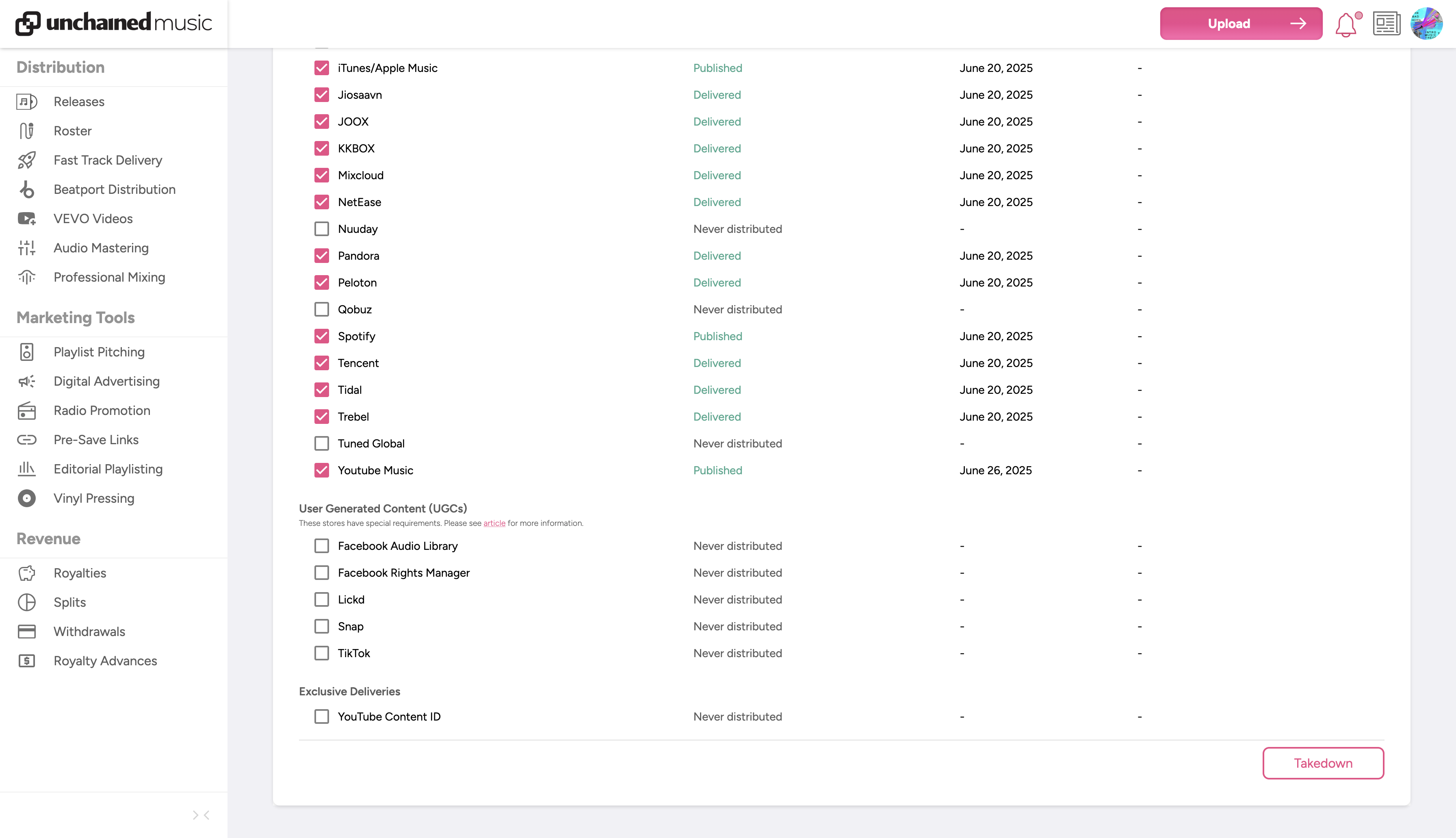
1. Navigate to the individual release page by clicking on the release title within the "Releases" section of your dashboard
2. On the individual release page, open the "Distribution" tab
3. Select the stores you wish to request a take down and click the takedown release button at the bottom of the page
Once a takedown has been confirmed, please allow 3-7 days for the content to be removed from all platforms. Each platform has their own processing times and we cannot influence their processes.
If you have any further questions or concerns, please don't hesitate to contact us via our support form.